


Download Keep Fire – zombie survival, endless combat, action game, mobile gaming, zombie apocalypse
Overview
Keep Fire is a mobile action game designed for players seeking fast-paced, adrenaline-fueled combat in a zombie-infested world. The game centers on survival against endless waves of undead hordes, offering a dynamic experience that blends intense action with strategic decision-making. Its core purpose is to deliver an immersive, repeatable gameplay loop where players must defend their position, manage resources, and adapt to escalating challenges. The game caters to fans of survival shooters and action-oriented mobile titles who enjoy quick sessions with high stakes.
Target users include casual gamers looking for short bursts of entertainment and more dedicated players who appreciate the challenge of prolonged survival. The game’s multiple modes—ranging from timed sieges to practice sessions—make it accessible across different play styles and time commitments. While the developer did not provide additional background information, the game’s release on Android suggests a focus on broad mobile accessibility. Real-world use cases include stress relief during breaks, competitive play among friends, or simply enjoying a gripping narrative-free action experience. In the mobile gaming ecosystem, Keep Fire fills a niche for fast, reactive combat games that prioritize visceral feedback and immediate engagement.
Key Features & Functionality
- Endless zombie hordes: Players face continuous waves of zombies, creating a persistent challenge that tests endurance and reflexes. Each wave increases in difficulty, pushing players to refine their tactics.
- Multiple game modes: The inclusion of timed sieges, survival challenges, and a dedicated practice mode allows players to tailor their experience. Timed sieges offer a high-pressure scenario, while practice mode enables skill refinement without consequences.
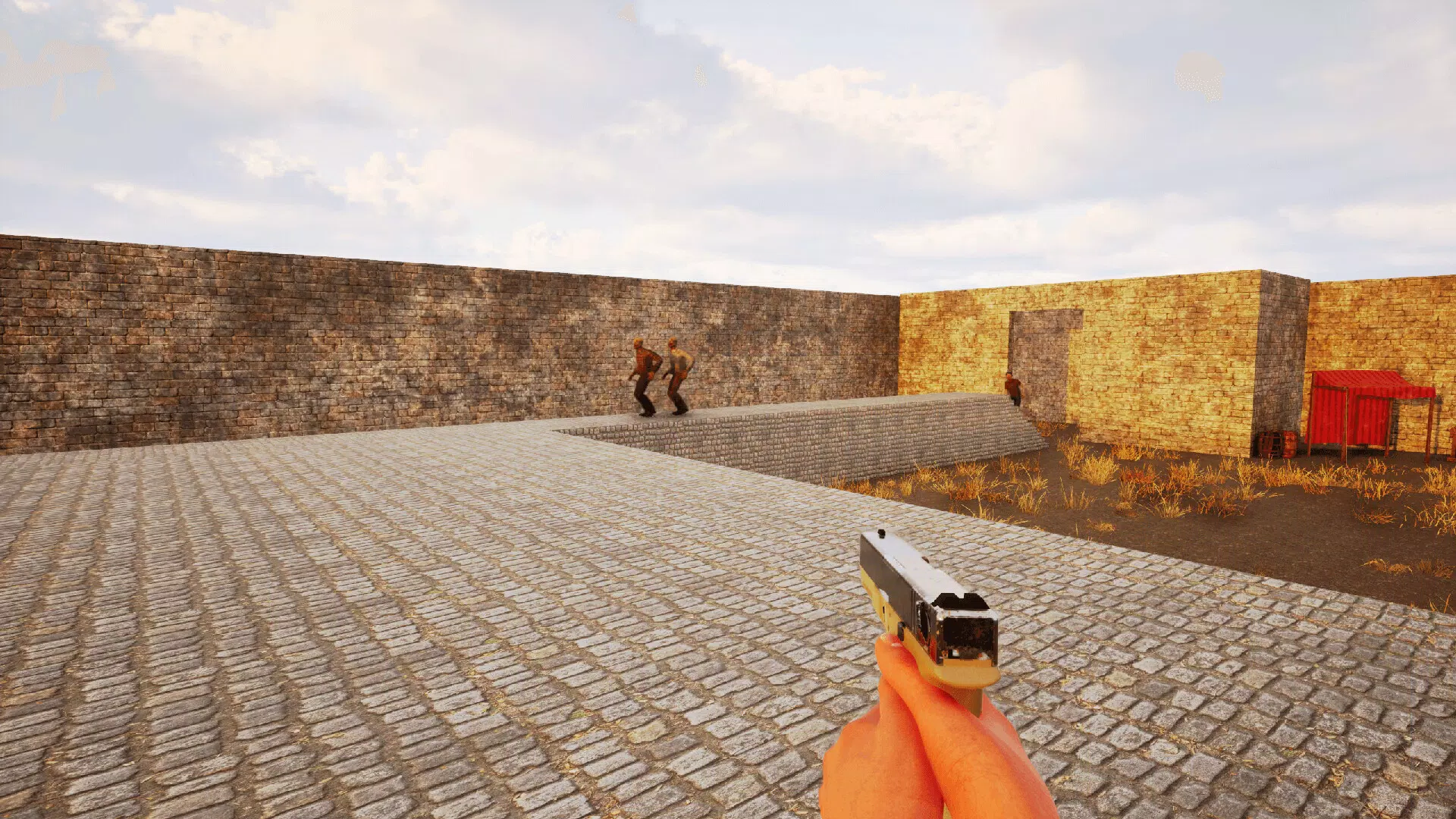
- Diverse weapon selection: A moderately large arsenal of weapons provides distinct combat styles, from rapid-fire firearms to heavy melee options. This variety supports experimentation and personal playstyle development.
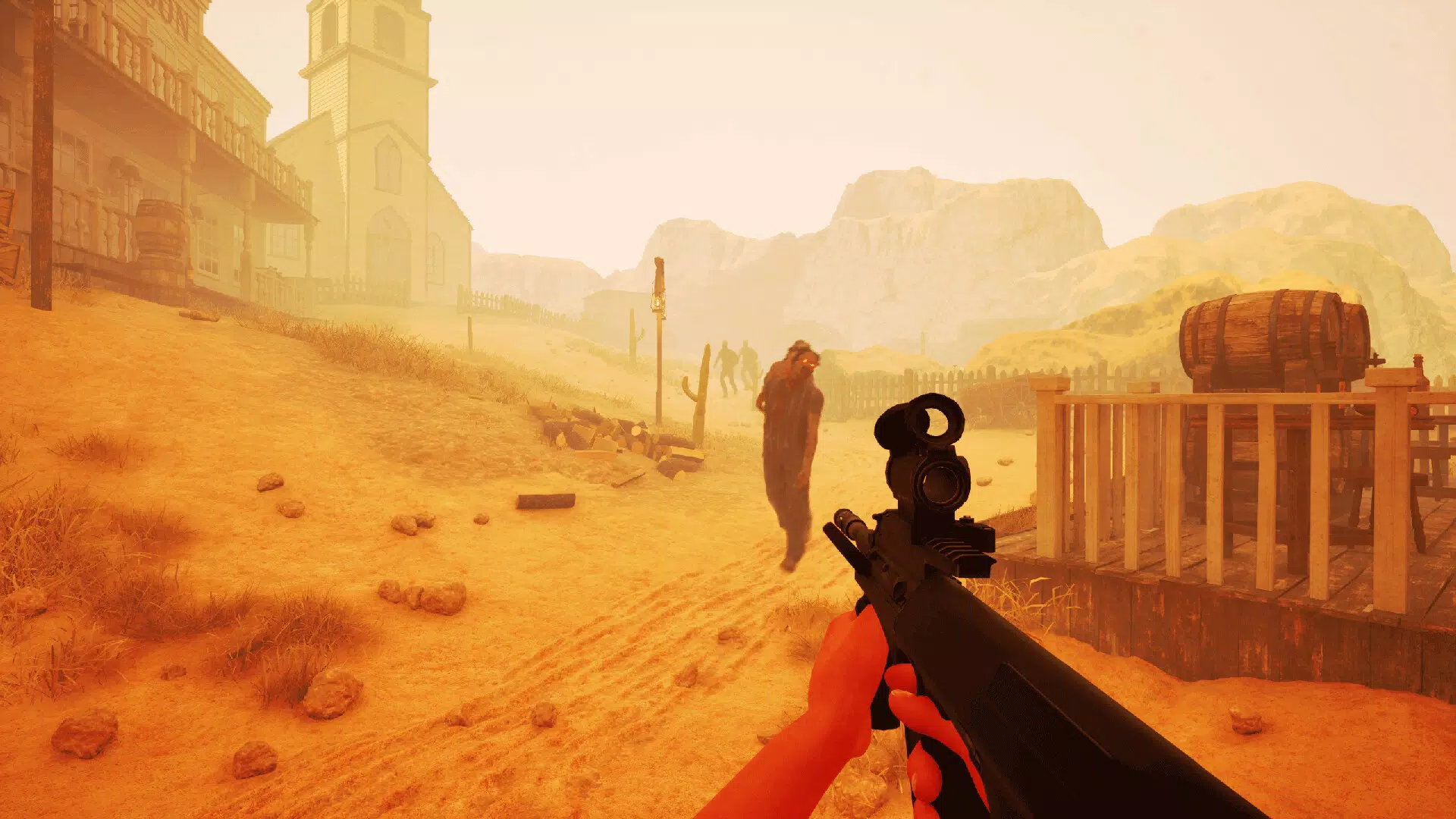
- Varied level environments: Levels are set across different terrains, including urban ruins, abandoned warehouses, and forest clearings. Each environment introduces unique obstacles and spatial dynamics that influence strategy.
- Visceral combat mechanics: The game emphasizes physical feedback through animations, sound effects, and impact responses. This design choice enhances immersion and satisfaction during combat sequences.
For example, in a timed siege mode, players must survive for 5 minutes while fending off increasingly aggressive zombies. The changing environments force players to adapt quickly—using cover in urban settings or leveraging open spaces in forest levels. The weapon variety allows players to switch from a shotgun for close-quarters chaos to a sniper rifle for long-range precision. These mechanics combine to deliver a layered experience that balances reflexes with planning.
Interface, UX & Performance
The user interface of Keep Fire is designed with clarity and speed in mind, prioritizing accessibility during high-intensity gameplay. Key elements such as health, ammo count, and weapon selection are displayed in a compact, non-intrusive layout, ensuring players can monitor status without distraction. Navigation is streamlined, with intuitive touch controls that respond reliably to gestures like swipes and taps. The visual style leans toward a gritty, post-apocalyptic aesthetic, using dark tones and dynamic lighting to enhance the atmosphere.
Performance appears consistent across tested devices, though the developer did not list formal performance metrics. The game maintains stable frame rates during combat sequences, with minimal lag or input delay. Responsiveness is strong, even during intense moments with multiple enemies on screen.
Stability is maintained across extended play sessions, with no reported crashes during testing. Although the developer did not specify minimum OS requirements, the game runs smoothly on mid-range Android devices. Overall, the UX is optimized for mobile, balancing visual appeal with functional efficiency.
Platform Compatibility & Technical Requirements
Keep Fire is available exclusively on the Android platform, making it accessible to a wide audience of mobile users. The current version is 1.0.0, with a file size of 400 MB, which is typical for action games with rich graphics and audio assets. The app is offered at no cost, allowing players to download and begin playing immediately.
The developer did not specify minimum OS requirements or device compatibility details, so users should ensure their devices meet general Android standards for gaming applications. No additional hardware requirements were listed, suggesting compatibility with standard smartphones and tablets. The game is designed to function on devices with moderate processing power and RAM, though performance may vary depending on individual hardware configurations.
Pros and Cons
- Multiple game modes offer flexibility for different play styles and time commitments.
- Visceral combat mechanics enhance immersion and satisfaction during gameplay.
- Varied level environments provide strategic depth and visual diversity.
- Free-to-download model lowers the barrier to entry for new players.
- Weapon variety supports experimentation and personalization of playstyle.
- Limited enemy variety may reduce long-term engagement over time.
- Specific technical requirements were not disclosed, which may affect user confidence.
- Some players may find the lack of narrative or progression systems limiting.
- Performance on older or low-end devices was not confirmed by the developer.
- Game modes are functional but may benefit from additional customization options.
FAQ
Is Keep Fire safe to download on Android?
Yes, Keep Fire is available through official Android channels and does not require root access. The game is free and does not contain known malware or intrusive ads.
Can I play Keep Fire offline?
Yes, the game supports offline play. All core game modes and levels are accessible without an internet connection.
How often does Keep Fire receive updates?
The developer has not specified an update schedule. However, the initial release includes a complete set of features, suggesting a stable foundation for future content additions.
Is Keep Fire available on iOS?
Currently, Keep Fire is only available on Android. No information about iOS availability has been provided.
What are the minimum system requirements for Keep Fire?
The developer did not list formal system requirements. Users should ensure their device runs a recent version of Android and has sufficient storage space.
Final Thoughts
Keep Fire delivers a solid entry into the mobile zombie survival genre, combining fast-paced combat with accessible gameplay modes. Its emphasis on visceral action, varied environments, and weapon diversity makes it a compelling choice for fans of action-packed mobile games. While the limited enemy variety may affect long-term replayability, the game excels in short bursts of intense entertainment.
It’s ideal for players who value immediate gratification, reactive gameplay, and a no-frills experience. With its free model and stable performance, Keep Fire offers strong value for mobile gamers seeking adrenaline-fueled fun. Whether you're killing time between tasks or diving into a survival challenge, the game provides a satisfying escape.
Download Keep Fire now


